
by Adam | Mar 3, 2026 | Blog posts, Information Hub
Websites age faster than most business owners realise. What looked modern five years ago can now make your business appear outdated — and that directly impacts trust, engagement, and conversions. So, how does your website measure up? 1. It’s not mobile-friendly Most...
by Adam | Mar 1, 2026 | Business Broadband, Information Hub
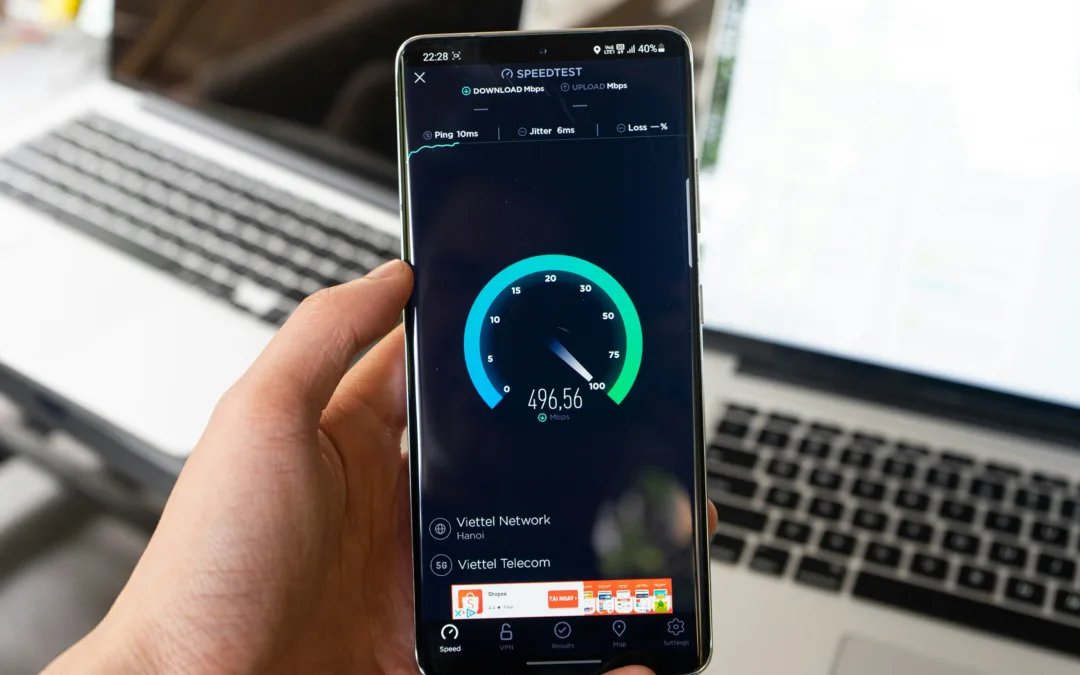
A slow internet connection can be frustrating, especially when your team is trying to work efficiently. Before blaming your Internet Service Provider (ISP), it’s important to consider that the problem may be within your network, devices, or even software. Here are a...
by Jessie Barr | Feb 27, 2026 | Information Hub, Microsoft 365
A lot of businesses ask the same question: “Are we secure enough?” The honest answer? It depends less on what you’ve bought… and more on how it’s configured. Microsoft 365 is incredibly powerful. But licences alone don’t reduce risk. Configuration does. So instead of...
by Jessie Barr | Feb 5, 2026 | Business Broadband, Information Hub
As January wraps up, many businesses are setting goals for growth, efficiency, and digital transformation. But there’s one question that often gets overlooked: Is your internet actually ready to support those plans? This month, we’ve talked a lot about connectivity,...
by Jessie Barr | Feb 5, 2026 | Business Broadband, Information Hub
Most businesses focus on cloud apps, SaaS platforms, and collaboration tools, but connectivity is often overlooked. Yet, the truth is simple: your digital transformation can only be as strong as the network underneath it. The Hidden Cost of Poor...

by Jessie Barr | Feb 5, 2026 | Business Broadband, Information Hub
Cloud, AI, and SaaS only work as well as the network beneath them. Most digital transformation conversations focus on applications, platforms, and tools. Cloud migrations. AI adoption. Collaboration software. All important, but often missing one critical...

Recent Comments