
Our Blog
Tech Pulse

Shared Mailboxes in Microsoft 365: What They Are and How to Use Them Properly
If your business has a central email address (info@, support@, sales@, or accounts@) that more than one person needs to access and respond from, a shared mailbox in Microsoft 365 is almost certainly the right solution. Set up correctly, shared mailboxes are one of the...

Avoid These Costly IT Mistakes – And Future-Proof Your Business
Avoid These Costly IT Mistakes – And Future-Proof Your Business Introduction In today's fast-paced digital landscape, technology serves as the backbone for nearly every aspect of modern business operations. However, when IT systems are improperly managed, they can...

Why Business Phone Costs Keep Rising And What You Can Do About It
Communication costs are quietly creeping up year after year, and small business owners are feeling the squeeze. The problem is, you can’t simply cut down on phone calls, they’re how you stay connected to clients, win new business, and keep operations running smoothly....

Future-Proof Your Business: Key IT Trends to Watch in 2025
As we approach the new year, the technology landscape is evolving faster than ever. To stay competitive and secure, businesses need to keep a close eye on emerging IT trends. 2025 promises to be a pivotal year, with new technologies reshaping how businesses operate....
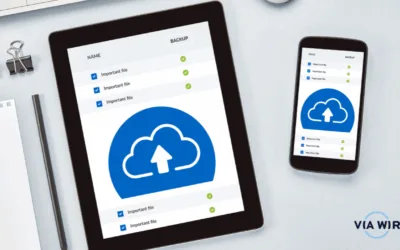
Why Cloud Storage & Backup Solutions Will Be Essential for Your Business in 2025
As we approach the new year, businesses are gearing up for the opportunities and challenges of 2025. With increasing reliance on digital systems and data-driven decision-making, ensuring that your company's information is securely stored and backed up is crucial....

How to Edit Outlook Groups
Remove a member from a group Only group owners have the permissions to remove members. 1. Under "Groups" in the left folder pane, select the group you wish to adjust. 2. On the groups ribbon, select "Edit Group" 3. In the "Edit Group" box, select the name of the...
Recover Deleted Items in Outlook
If you have ever accidentally deleted an item from your outlook mailbox, don't worry! They're often recoverable 🙂 Follow the steps below to get the best chance of recovering your deleted item: The first place to look is your "Deleted Items" or "Trash" folders. You...