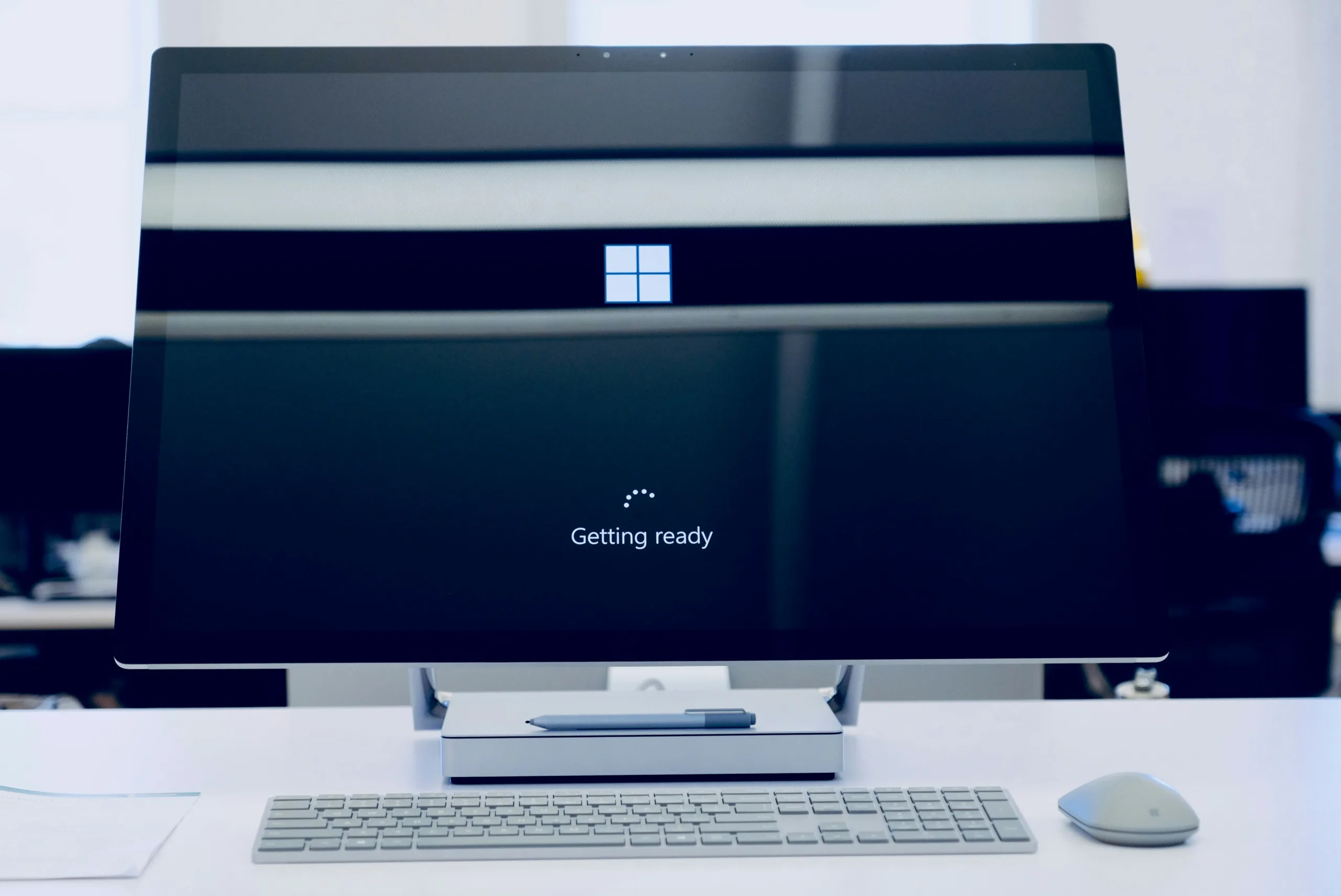

Setting up a new device for a member of staff has traditionally been one of the more time-consuming tasks in IT management. Imaging a device, installing applications, configuring security settings, joining the device to the domain, and handing it over to the user – each step takes time, requires technical involvement, and creates opportunities for inconsistency across your device estate. Windows Autopilot changes that model entirely. Rather than IT building and imaging devices before deployment, Autopilot allows new Windows devices to configure themselves automatically – applying your organisation’s settings, installing required applications, and enrolling into Microsoft Intune without any manual intervention from an IT administrator. The result is a device that arrives on an employee’s desk ready to work from the moment they sign in.
Here is a comprehensive look at what Windows Autopilot does, the business benefits it delivers, and what Microsoft has updated in 2026.
What Is Windows Autopilot?
Windows Autopilot is Microsoft’s cloud-based device deployment and provisioning service, managed through Microsoft Intune. It allows businesses to define exactly how new Windows devices should be configured – which applications to install, which security policies to apply, how the device should be named, and how it should be enrolled into management – and then apply that configuration automatically during the device’s initial setup, known as the Out-of-Box Experience (OOBE).
Once a device’s hardware ID is registered with Autopilot – which can be done by the manufacturer, distributor, or IT administrator before the device ships – it is recognised the moment it connects to the internet and signs in with a Microsoft 365 account. From that point, the provisioning process runs automatically.
Windows Autopilot for pre-provisioned deployment is now generally available, enabling organisations to ensure devices are business-ready before the user accesses them. This means IT teams or device suppliers can complete the technical configuration phase before the device reaches the end user, making the handover even faster and more seamless.
The Business Benefits of Windows Autopilot
Zero-Touch Device Deployment
The most significant benefit of Autopilot for most businesses is the elimination of manual device setup. A new laptop can be shipped directly from the supplier to an employee’s home or office address. The employee powers it on, signs in with their Microsoft 365 credentials, and Autopilot handles everything else – applying security policies, installing approved applications, configuring settings, and enrolling the device into Intune management.
For businesses with remote or hybrid workers, this is transformative. There is no requirement for the device to come to the office first, no need for an IT engineer to be present, and no delay between delivery and a productive first day.
Consistent, Standardised Configuration
Manual device setup is inherently inconsistent. Different IT administrators apply settings slightly differently, applications get missed, and security configurations drift between devices. Autopilot eliminates this variability by applying the same defined configuration to every device, every time.
Every device that goes through Autopilot provisioning comes out the other side configured identically – with the same applications installed, the same security baselines applied, and the same Intune compliance policies enforced. This consistency is valuable both operationally and from a security and Cyber Essentials compliance perspective.
Reduced IT Overhead and Cost
Traditional device imaging and deployment is IT-intensive. For businesses with managed IT support, reducing the time spent on device setup directly reduces cost. For businesses managing IT internally, it frees up IT resource for higher-value work.
With Autopilot, the configuration work is done once – building the deployment profile in Intune – and then applied automatically to every subsequent device. Onboarding ten new starters or replacing twenty devices after a hardware refresh requires the same administrative effort as onboarding one.
Faster Employee Onboarding
The time between a new employee’s first day and their being fully set up with a working device is a hidden productivity cost that many businesses underestimate. With Autopilot, a new starter can receive their device before their start date, power it on at home, and arrive on day one already set up and ready to work – with access to Microsoft 365, their applications, and the correct security configuration already in place.
Improved Security From the First Sign-In
Autopilot-provisioned devices are enrolled in Microsoft Intune from the moment setup completes. This means security policies – BitLocker encryption, Windows Defender configuration, Conditional Access compliance requirements, and update policies – are applied before the user reaches the desktop. There is no window between a device being handed over and it being secured.
Starting with the January 2026 Windows security update, Windows Autopilot and Microsoft Intune can now install Windows quality updates during the Out-of-Box Experience itself, meaning newly provisioned devices arrive at the desktop with the latest security patches already applied rather than needing an immediate update cycle after first sign-in.
Simplified Device Replacement and Reset
When a device needs to be replaced or repurposed, Autopilot Reset allows the device to be returned to a business-ready state without reimaging. The device is wiped and re-provisioned automatically using the existing Autopilot profile, with no need for IT to physically handle the machine. For distributed workforces where devices are rarely in the same location as IT support, this is a practical time saving.
Windows Autopilot Deployment Modes
Autopilot supports several deployment modes that suit different business scenarios:
User-Driven Mode is the most common deployment for standard business users. The employee receives the device, powers it on, signs in with their Microsoft 365 credentials, and Autopilot provisions the device automatically while the user waits. The process typically takes 20 to 40 minutes depending on the number of applications being installed.
Pre-Provisioned Mode allows IT teams, managed service providers, or device suppliers to complete the technical provisioning phase before the device reaches the end user. The device is registered, powered on by the provisioning party, and the IT configuration phase runs – installing applications and applying settings. The device is then sent to the user, who completes a brief second phase to apply their personal settings and account. This significantly reduces the time the end user waits during first setup.
Self-Deploying Mode is designed for shared devices, kiosks, or meeting room equipment that does not have a primary assigned user. The device provisions itself automatically without any user credentials being entered during setup.
What Microsoft Has Updated in 2026
Microsoft continues to develop and improve Windows Autopilot and its integration with Intune. Several significant updates have been released in 2025 and 2026 that are worth being aware of:
Managed Installer Policy During Autopilot Provisioning – Microsoft has extended the Managed Installer policy to the Windows Autopilot device preparation process, meaning that apps deployed via Microsoft Intune – including Win32 apps, Microsoft Store apps, and Enterprise App Catalog apps – are automatically trusted earlier in the setup experience, even before users reach the desktop. This reduces setup friction and improves the reliability of application deployment during provisioning.
Increased Application Limits – The maximum number of apps that can be configured in a Windows Autopilot device preparation policy has been increased to 25, supporting organisations that require more applications to be delivered during the out-of-box experience. This applies to both user-driven and automatic modes.
Windows Quality Updates During OOBE – As noted above, the ability to install Windows security updates during the provisioning process itself – rather than after first sign-in – means devices are patched to the latest security baseline from day one. This is available from the January 2026 Windows security update onwards on devices running Windows 11 version 22H2 and later.
Enterprise App Removal During Provisioning – Admins can now couple Autopilot with the new app-removal policy to ensure that devices enrolled through Windows Autopilot never see unwanted consumer apps in the first place, with removal logs flowing into Intune’s reporting blade so administrators can confirm the corporate desktop is correctly configured within minutes of a device’s first sign-in.
Improved Intune Check-In Notifications – Microsoft Intune now uses the same notification delivery technology as Microsoft Teams for Windows device check-ins, reducing missed check-ins and improving the reliability of policy delivery and remote support sessions.
Windows Autopilot and Microsoft 365 Business Premium
Windows Autopilot is available through Microsoft Intune, which is included in Microsoft 365 Business Premium. This is one of several reasons Via Wire recommends Business Premium as the standard starting point for business clients – the device management and deployment capabilities it enables through Intune and Autopilot represent a significant operational benefit that goes well beyond the security features alone.
For businesses planning a device refresh, adopting Autopilot as the deployment method from the outset is significantly more efficient than traditional imaging – and sets up a scalable, consistent process for every device that follows.
Getting Started With Windows Autopilot
Implementing Autopilot requires initial configuration in Microsoft Intune – creating deployment profiles, defining the Enrollment Status Page, configuring application assignments, and registering device hardware IDs. Done correctly, this upfront work pays for itself quickly in reduced deployment time and improved consistency across your device estate.
At Via Wire, we configure and manage Windows Autopilot deployments for businesses using Microsoft 365 Business Premium, handling everything from initial profile setup through to ongoing device management and Intune policy administration. Get in touch today to discuss Windows Autopilot and device management for your business.


0 Comments