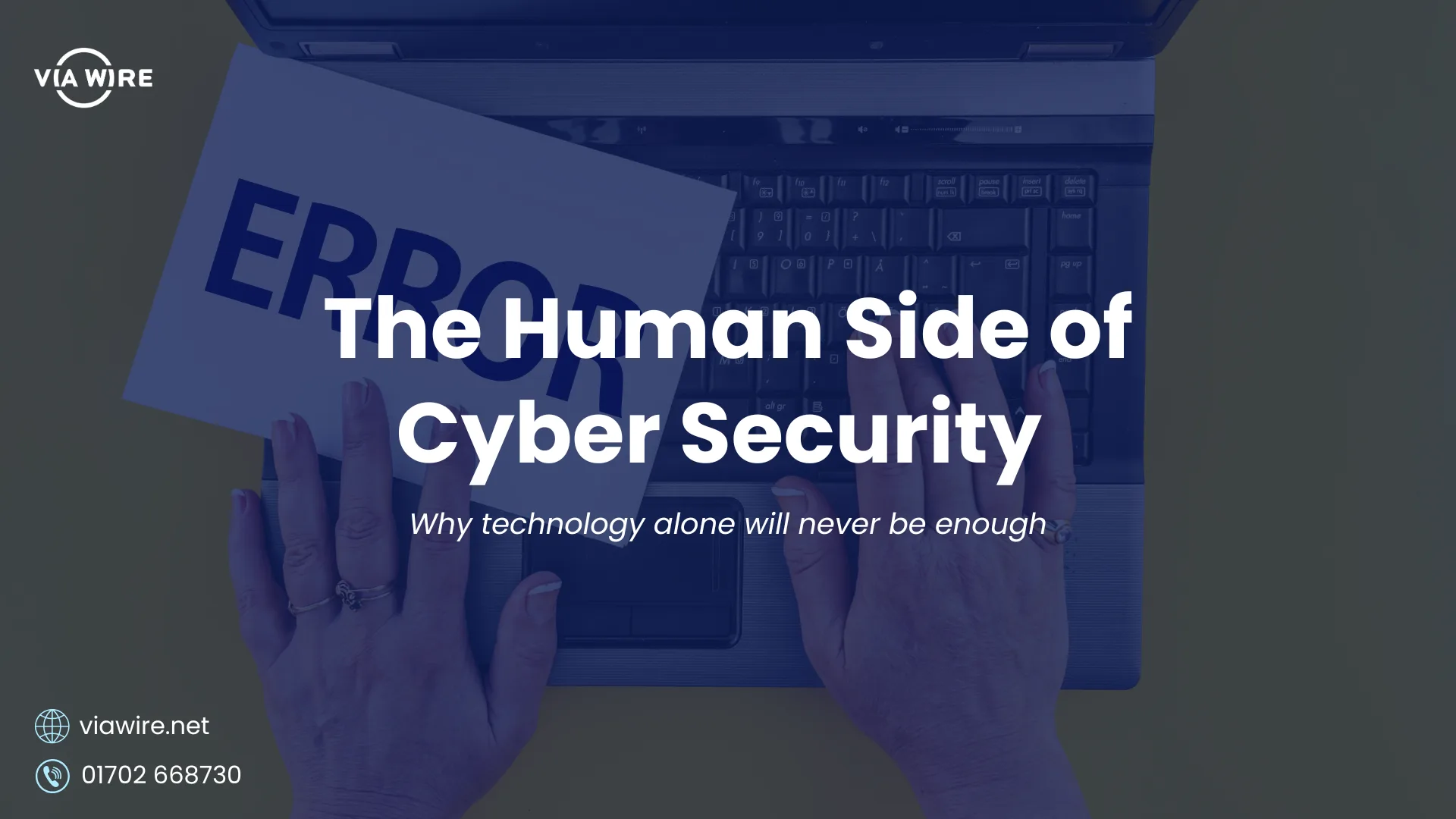

The most sophisticated security tools in the world cannot protect a business whose people do not know what to look for. Here is what the human layer of cyber security actually involves.
Businesses spend significant amounts on cyber security technology. Firewalls, endpoint protection, email filtering, MFA, DLP. All of it matters. None of it is sufficient on its own.
The reason is straightforward. Every security tool in existence can be bypassed by a person who has been persuaded, pressured, or simply caught off guard. Studies show that the majority of security incidents involve human error in some form, whether that is clicking a convincing phishing link, sharing credentials without realising the risk, or making an innocent mistake that opens a door an attacker was waiting for.
This does not mean technology is not important. It means that technology and people need to work together. And for most small businesses, the people side of that equation gets significantly less attention than it deserves.
This week TechPulse covers the human element of cyber security: what the risks actually look like, why they are harder to address than a software update, and what genuinely effective security awareness looks like for a small business.
The phishing problem
Phishing is consistently the most common entry point for cyberattacks on businesses of every size. And it is significantly more convincing than it used to be.
The phishing emails of a decade ago were relatively easy to identify. Poor spelling and grammar, generic greetings, implausible scenarios. Most people learned to recognise them. Attackers adapted.
Today’s phishing emails are often indistinguishable from legitimate correspondence. AI-generated content means they are grammatically perfect, personalised to the recipient, and frequently reference real details about the business or individual being targeted. They arrive from addresses that look correct at a glance. The links they contain preview accurately before redirecting. The scenarios they describe, an urgent invoice, a password reset, a shared document from a known colleague, are entirely plausible.
The tell-tale signs have become subtler. A sense of urgency designed to prevent careful thought. A sender address with a single character transposed. A request that is slightly outside the normal process without being obviously wrong. An unexpected attachment from a contact the recipient knows and trusts.
One click from one team member can be the beginning of a significant incident. And the question of whether that click happens is almost entirely determined by whether that person has been given the awareness to pause and question what they are looking at before they act.
Why cyber security awareness is harder than it sounds
Most businesses approach security awareness as a one-time exercise. A training session when someone joins. A policy document that gets emailed out and filed away. An annual reminder that phishing exists.
The problem is that this approach does not match how human memory and habits actually work. A training session in January does not reliably affect behaviour in October. A policy document nobody refers to does not change what someone does under time pressure when an urgent email arrives.
Effective security awareness is not an event. It is an ongoing presence. Short, regular touchpoints that keep security visible rather than treating it as something to think about once a year. Real examples of what current attacks look like rather than abstract principles. A clear and genuinely safe process for reporting something suspicious without fear of embarrassment or blame.
That last point matters more than most businesses realise. If a team member clicks a suspicious link and worries about the consequences of admitting it, the incident will go unreported. Every minute of delay between a click and a report is a minute during which an attack can progress undetected. A culture where people feel comfortable reporting immediately, because they know the response will be supportive rather than punitive, is one of the most valuable security investments a business can make.
What staff awareness training actually looks like
Cyber security awareness training has a reputation for being dull, box-ticking, and largely ineffective. That reputation is not entirely undeserved. A two-hour annual compliance module watched at 1.5x speed and immediately forgotten does very little for the security of a business.
Effective training looks quite different from that.
The most impactful approaches share a few characteristics. They are short and frequent rather than long and occasional. A ten-minute monthly session that covers a current, relevant example of an attack technique is significantly more effective than an annual four-hour course. The content is specific and practical rather than abstract. Showing someone what a real phishing email looks like today, complete with the subtle indicators that distinguish it from a legitimate message, is more useful than a slide explaining that phishing exists.
Format matters too. Video-based modules have their place but they are passive. The formats that produce the most durable behaviour change tend to involve some element of active participation. Phishing simulations, where controlled test emails are sent to the team and the results used as a learning conversation rather than a disciplinary one, are consistently among the most effective tools available. Someone who has experienced a near-miss, who clicked a test phishing email and then received a brief, supportive explanation of what they missed, is significantly less likely to click a real one.
There are several platforms available that make running ongoing security awareness programmes straightforward for small businesses without a dedicated security team. KnowBe4 and Proofpoint Security Awareness Training are among the most widely used. Microsoft also offers security awareness capabilities through Microsoft Defender for Office 365, including Attack Simulator, which allows businesses to run phishing simulations directly within their Microsoft 365 environment without a separate tool or subscription.
A few things worth considering when choosing an approach:
- Frequency over intensity. Regular short sessions produce better results than infrequent long ones.
- Relevance over generality. Content that reflects current, real-world attack techniques is more useful than generic principles.
- Culture over compliance. The goal is genuine awareness, not a completed training log. The way training is communicated and followed up shapes whether it changes behaviour or just ticks a box.
- Measurement. Any awareness programme worth running should include some way of measuring whether it is working. Phishing simulation click rates over time are one of the clearest indicators available.
For most small businesses, a combination of regular brief communications, periodic phishing simulations, and clear reporting processes will deliver significantly more security benefit than a single annual training session, and at a lower cost and time commitment than most business owners expect.
The remote working dimension
The shift to hybrid and remote working has added a layer of complexity to the human security challenge that most businesses have not fully addressed.
In an office environment, there are natural opportunities for informal cyber security checks. Someone asking a colleague whether an email looks legitimate. A manager noticing that something seems off. The ambient visibility that comes from working in a shared space.
Remote working removes most of those opportunities. Team members make individual judgement calls in isolation, without the informal support structure that an office provides. They work on devices that may connect to networks with no business security controls. The boundary between personal and professional activity on the same device is blurred.
Building a security-aware culture across a distributed team requires deliberate effort. Regular communication that keeps security visible. Clear and simple guidance on what to do when something looks wrong. And the technical foundations, MFA, Conditional Access, Intune-managed devices, that reduce the consequences when a human error does occur.
Technology does not prevent mistakes. It limits what those mistakes can lead to.
What good cyber security awareness actually looks like
For a small business without a dedicated security team, effective cyber security awareness does not need to be complex or expensive. It needs to be consistent.
A few practical elements worth having in place:
Regular and brief touchpoints. Short communications that keep security visible throughout the year rather than treating it as an annual event. Examples of current phishing techniques. Reminders of what to do when something seems wrong.
Clear reporting processes. Every team member should know exactly what to do and who to contact if they receive a suspicious email, click something they should not have, or notice anything unusual. The process should be simple and the culture should be supportive.
Leadership that models the right behaviours. Cyber security culture follows from the top. If leadership treats security seriously, discusses it openly, and visibly follows the same practices expected of the team, that attitude permeates the organisation. If leadership is seen to bypass security measures for convenience, that signal is equally clear.
Technical controls that back up the human layer. MFA means a compromised password is not a compromised account. DLP means a misdirected email does not become a data breach. Conditional Access means an unmanaged device cannot reach sensitive data. None of these replace the human layer, but they significantly reduce the damage when the human layer fails.
Phishing simulations. Sending controlled phishing tests to the team and using the results as a learning tool rather than a punitive measure is one of the most effective ways to build genuine awareness. People learn significantly better from a near-miss experience than from an abstract training module.
How Via Wire can help
Building the human side of cyber security is something Via Wire helps businesses across Essex approach practically, from staff awareness guidance to the technical controls that limit the consequences of human error.
As a Microsoft Silver Partner, we make sure Microsoft 365 environments are configured to support security-aware teams, with MFA, Conditional Access, Defender, and DLP working together to provide the technical foundation that good security culture sits on.

0 Comments