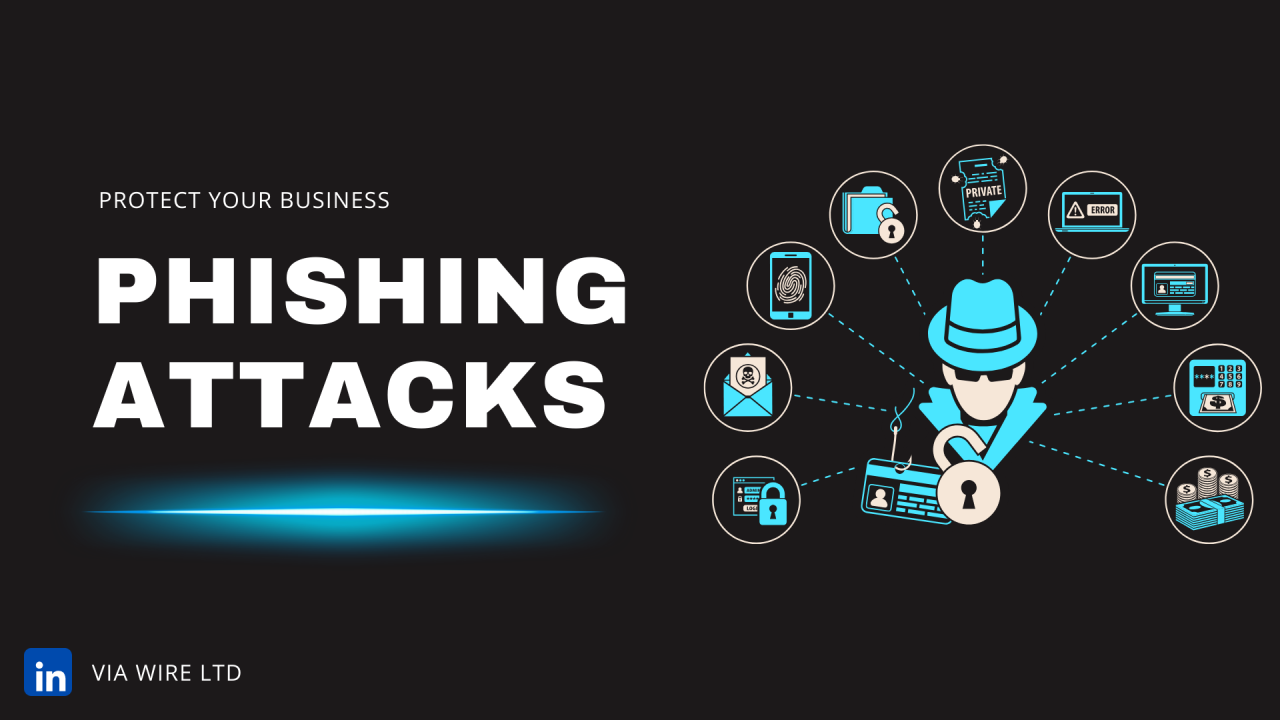

Phishing remains the single most common entry point for cyberattacks on UK businesses. Despite being one of the oldest tricks in the cybercriminal playbook, it continues to work, and in 2026, it’s more convincing and more dangerous than ever.
The reason is straightforward: the technology available to attackers has improved dramatically. AI-generated phishing emails are now indistinguishable from genuine correspondence, attacks have expanded well beyond email, and cybercriminals have become expert at exploiting the specific tools businesses rely on every day, including Microsoft 365.
Here’s what your business needs to know.
What Is a Phishing Attack?
Phishing is a social engineering attack in which a cybercriminal impersonates a trusted person or organisation to trick an employee into handing over sensitive information, clicking a malicious link, or authorising a fraudulent action. The goal is typically to steal login credentials, gain access to business systems, initiate a fraudulent payment, or deploy malware.
While phishing has traditionally arrived by email, attacks now routinely occur via SMS (smishing), phone calls (vishing), and increasingly through Microsoft Teams and other collaboration platforms.
How Phishing Has Changed: The AI Threat
The most significant development in phishing in recent years is the use of artificial intelligence to generate attack content. Where phishing emails were once identifiable by poor grammar, odd phrasing, or obvious translation errors, AI-generated attacks are now grammatically flawless, contextually relevant, and often personalised to the recipient.
Attackers can use AI to research a target business, identify key personnel, mimic writing styles from publicly available content such as LinkedIn profiles, and generate highly convincing emails that appear to come from a CEO, a supplier, or a trusted contact.
This makes the traditional advice of “look for spelling mistakes” significantly less reliable than it once was. Employee awareness training needs to reflect this shift.
Microsoft 365 as an Attack Target
For businesses using Microsoft 365 (which is most businesses) phishing attacks increasingly target the platform directly. Common Microsoft 365-specific attack scenarios include:
Credential phishing via fake Microsoft login pages. Attackers send emails that appear to come from Microsoft, warning of a security alert or licence issue, and directing the recipient to a convincing replica of the Microsoft login page. Credentials entered are captured immediately.
Business Email Compromise (BEC). An attacker gains access to a legitimate email account — often through a previously stolen password — and uses it to send fraudulent payment requests or redirect invoices to accounts they control. Because the email comes from a genuine address, standard filtering won’t catch it.
Microsoft Teams phishing. As Teams has become central to business communication, attackers have followed. Phishing messages sent via Teams — often from compromised external accounts or fake guest users — are less likely to be treated with the same scepticism as email.
OAuth app attacks. Users are tricked into granting a malicious third-party application access to their Microsoft 365 account, giving attackers persistent access without needing to steal a password.
How to Protect Your Business Against Phishing
Multi-Factor Authentication
Enforcing MFA across all Microsoft 365 accounts is the single most impactful step a business can take against phishing. Even if an attacker successfully steals a password, MFA prevents them from using it to access your systems. Microsoft’s own data suggests MFA blocks over 99% of account compromise attacks.
Conditional Access Policies
Microsoft Entra ID’s Conditional Access allows businesses to define rules around when and how accounts can be accessed — blocking logins from unexpected locations or unmanaged devices, for example. This provides a meaningful additional layer of protection beyond MFA alone.
Email Filtering and Anti-Spoofing Controls
Advanced email filtering solutions analyse sender reputation, email headers, and content to identify and quarantine suspicious messages before they reach employee inboxes. Alongside this, implementing SPF, DKIM, and DMARC records on your domain makes it significantly harder for attackers to spoof your organisation’s email addresses.
Employee Awareness Training
Technology alone cannot stop phishing — human judgement remains a critical line of defence. Regular, practical training that reflects current attack techniques helps employees recognise the warning signs: unexpected requests for credentials or payments, unusual urgency, requests to bypass normal processes, and links or attachments in emails that weren’t anticipated.
Training should be updated regularly to reflect how attacks are evolving. Generic annual training covering tactics from five years ago provides limited protection against today’s AI-generated attacks.
Verify Before You Act
Establish a clear culture of verification for any request involving payments, credential changes, or access to sensitive systems — regardless of who the request appears to come from. A quick phone call to confirm a payment request is genuine costs seconds. Recovering from a Business Email Compromise attack can cost significantly more.
Incident Reporting
Employees who spot a suspected phishing attempt should know exactly how to report it quickly and without fear of blame. The faster a suspicious email or message is flagged, the faster your IT team or managed service provider can assess whether any accounts or systems have been compromised.
Getting Your Microsoft 365 Security Right
Many of the most effective protections against phishing; MFA enforcement, Conditional Access, anti-spoofing controls, and Microsoft Defender for Office 365, are available within Microsoft 365 but require proper configuration to be effective. Default settings are not sufficient for a business environment.
At Via Wire, we configure and manage Microsoft 365 security for businesses of all sizes, ensuring that the protections available to you are actually switched on and working as they should. Get in touch today to discuss your Microsoft 365 security setup.
0 Comments