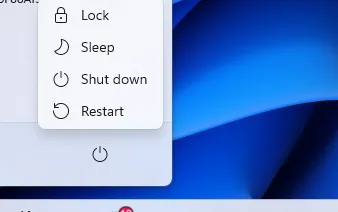

Even in 2026, one of the simplest and most effective fixes for computer and network issues remains the same: restart your equipment.
Many of our clients reach out to us because staff members experience problems and assume it’s a major technical issue. Often, the first step in IT support is to log in remotely and diagnose the problem. But surprisingly, so few people have tried the simplest solution: turn it off and on again.
Why IT Support Asks You to Restart
Restarting your computer resets its operating system, clears temporary files, and often resolves minor software glitches. Similarly, restarting your router or modem can fix network issues by restoring default settings and clearing connectivity problems.
Sometimes, this is all that’s needed. Many users are shocked when a simple reboot resolves what seemed like a serious problem.
When Restarting Becomes a Temporary Fix
We’ve encountered clients who restart their computers daily just to keep them working properly. While this may temporarily stabilise performance, it indicates a deeper underlying issue.
- Slow performance: If your device consistently slows down and requires restarts to function normally, there could be software conflicts, outdated drivers, or even hardware issues.
- Network instability: Repeated router restarts may point to ISP problems, outdated firmware, or internal network misconfigurations.
Restarting in these cases is like putting a bandage on a recurring problem, it works temporarily but doesn’t fix the root cause.
Best Practice for Ongoing Issues
- Start with a restart: Always try rebooting your computer and router first. It’s quick, safe, and often solves the issue.
- Monitor recurrence: If the same problem happens repeatedly, make a note of when and how often it occurs. This helps IT support identify patterns.
- Call in experts: Persistent issues usually require professional intervention — whether it’s software optimisation, hardware checks, or network troubleshooting.
The Bottom Line
Restarting is the first and easiest troubleshooting step, but it should not become a daily crutch. If your equipment frequently needs restarting to work properly, it’s time to investigate further.
In 2026, businesses rely on uninterrupted technology for productivity. Ensuring your devices are stable and performing at their best isn’t just convenient, it’s essential for your day-to-day operations.

0 Comments