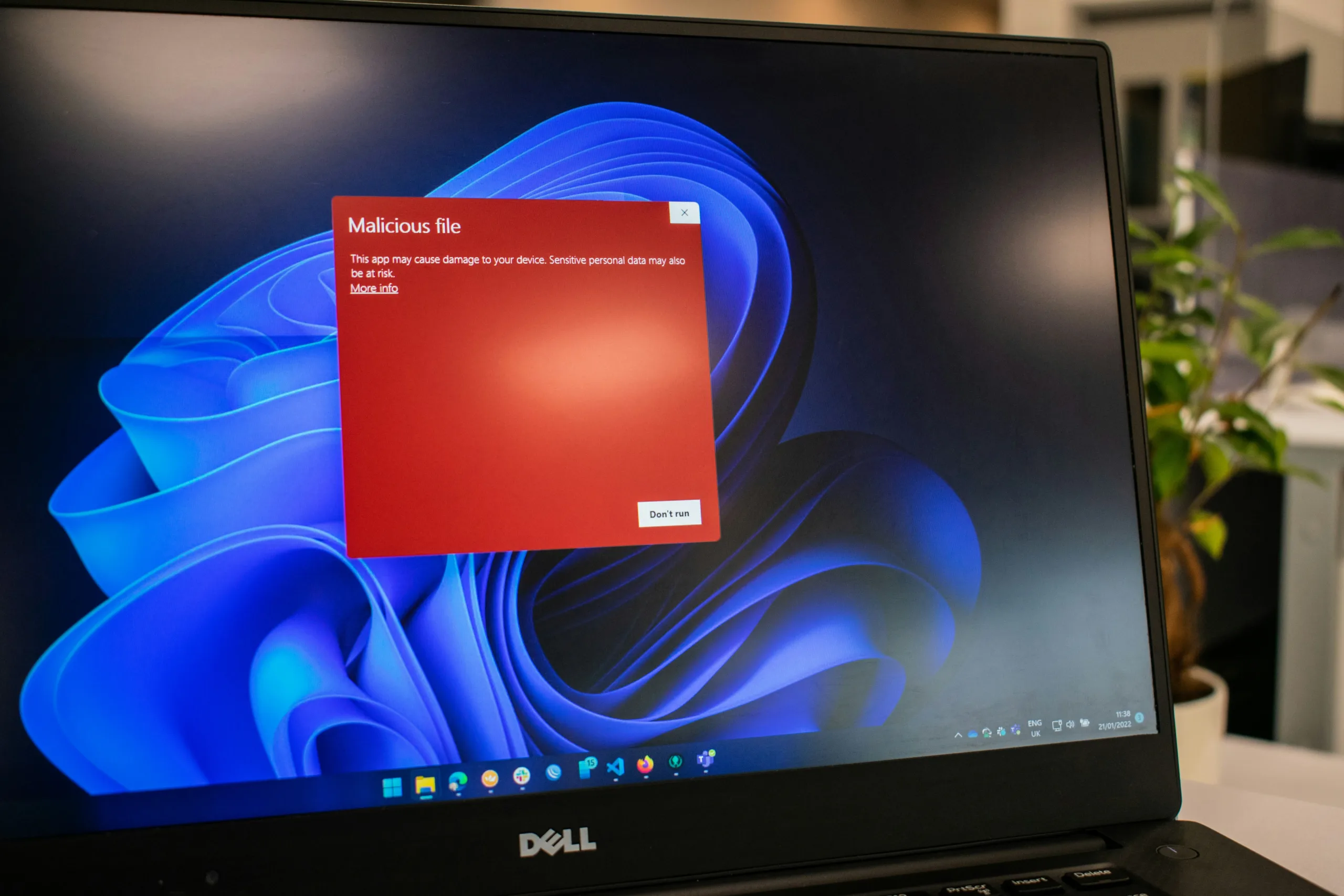

Even in 2026, businesses and home users are still being caught out by “free virus protection” downloads. Many of these are part of affiliate schemes, designed to get you to eventually buy a paid version. Some are harmless, but an alarming number are outright scams, installing malware, ransomware, or tracking software instead of protecting your devices.
With cyber threats evolving, it’s more important than ever to use trusted antivirus solutions and know how to avoid risky downloads.
Why Free Downloads Can Be Dangerous
Some “free” virus checkers claim to find dozens of problems immediately. Then they prompt you to purchase software to “fix” your system. Once installed, these programs can:
- Enable premium rate phone calls to their fake support teams.
- Request remote access to your computer, opening the door to hackers.
- Slow your system by running multiple background processes.
The safest rule in 2026: never download software unless you are 100% sure it’s from a trusted source.
If in doubt, ask an IT professional or managed service provider before pressing that download button. A little knowledge without expertise can be dangerous.
Real-Life Examples from Businesses
Scenario 1: Conflicting Malware Detectors
One client called because Outlook kept freezing. Investigation revealed multiple malware detection tools installed by well-meaning staff. The tools were conflicting, creating system errors and slowing performance. After removing the unnecessary programs, everything ran smoothly again.
Lesson: Installing “belt-and-braces” antivirus isn’t always better. One reliable, updated virus protection system is enough.
Scenario 2: System Overload
Another client experienced severe slowdowns when their antivirus software repeatedly tried to scan the same files simultaneously. The problem? Two different antivirus systems were running at once, each checking the other.
Lesson: Running multiple antivirus programs causes more harm than good. Stick with one trusted solution and update it regularly.
Modern Threats in 2026
The types of attacks businesses face have evolved. Today, antivirus systems need to guard against:
- Ransomware attacks that lock files until a ransom is paid.
- Phishing scams via email, SMS, or social media messages.
- Malicious browser extensions or apps targeting your PC, Mac, or mobile devices.
- AI-driven malware capable of adapting and evading traditional protections.
- Cloud account vulnerabilities, including compromised credentials for cloud email and storage.
A robust antivirus program today should include real-time scanning, ransomware protection, email monitoring, and cloud integration.
Tips for Securing Your Devices
- Use One Trusted Antivirus Program
Solutions like Bitdefender, Norton, Kaspersky, Microsoft Defender, or Sophos provide comprehensive protection for computers, laptops, and mobile devices. Stick with one, and ensure it’s always up-to-date. - Enable Multi-Factor Authentication (MFA)
Wherever possible, add MFA for email, cloud storage, and critical business applications. Even if a password is compromised, hackers cannot access your system without the second factor. - Keep Devices Updated
Regular software and firmware updates patch vulnerabilities and prevent exploitation by cybercriminals. - Educate Your Team
Most malware infections start with human error. Training staff on phishing, suspicious links, and safe downloads is just as important as antivirus software. - Backup Regularly
Modern antivirus protects against attacks, but it can’t prevent accidental deletion or device failure. Cloud and local backups ensure your business can recover quickly if something goes wrong.
Protecting Cloud and Mobile Devices
With more businesses moving to cloud-based services and employees using smartphones and tablets, your virus protection strategy must cover all endpoints. A device left unprotected is a gateway for malware to infiltrate your network.
Tip: Use antivirus solutions with mobile apps and cloud account integration to monitor and protect devices wherever they’re used.
Conclusion: One System, Smart Users, Safer Business
The key takeaway in 2026: one reliable antivirus solution is enough, provided it’s kept updated and your team follows basic security practices. Avoid “free” downloads from unverified sources, educate your staff, enable MFA, and maintain backups.
A modern antivirus system is just one part of a layered security approach. Combine it with network monitoring, cloud security, and staff awareness, and your business will be much safer from modern cyber threats.
Don’t let a well-meaning but misguided download compromise your IT environment. Get professional guidance, pick a trusted antivirus, and stick to it.

0 Comments