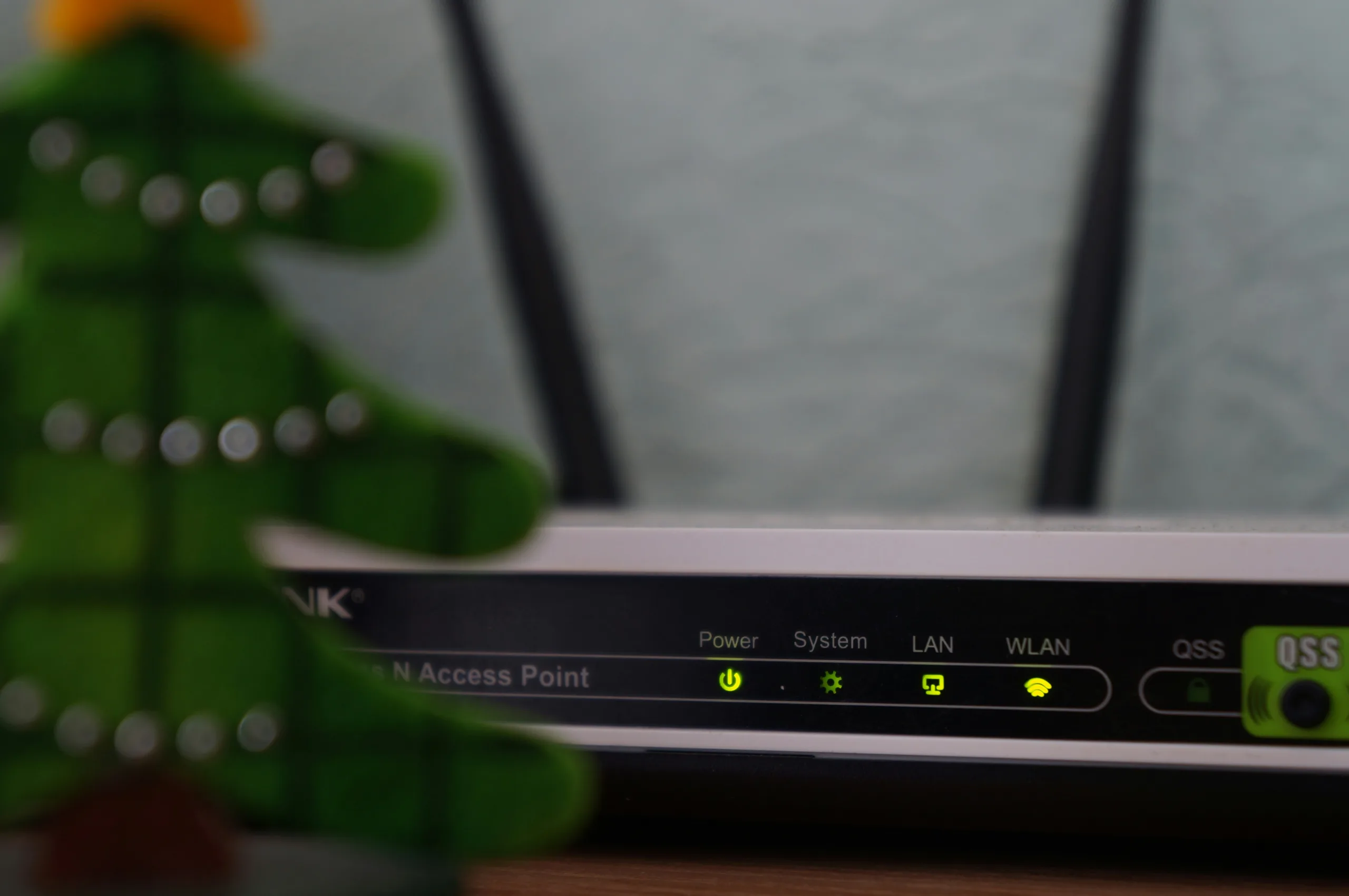

If you’re planning to replace your router or simply want to understand what’s in that little box sending Wi-Fi around your home or office, it’s worth knowing what to look for. Your router is more than just a box, it houses your modem, receives your broadband signal, and directs it to the devices that need internet access, whether wired or wireless.
Even if you have an IT support team, understanding the basics helps you make informed decisions when upgrading your network.
Key Router Specs Explained
Network Type:
This tells you which Wi-Fi standard your router supports. Older models may use 802.11n, while modern routers in 2026 support 802.11ac or 802.11ax (also called Wi-Fi 6/6E). Newer standards are backward compatible, meaning your older devices will still connect, but upgrading ensures faster speeds and better reliability.
Range:
Router range determines how far your Wi-Fi signal reaches. While the packaging may not always show this, it’s important to confirm the expected coverage, especially in larger offices or homes with multiple floors.
Throughput:
Throughput is essentially the speed the router can handle. Manufacturer claims can be optimistic, so check reviews and real-world performance tests. High throughput ensures smooth streaming, video calls, and large file transfers.
Wi-Fi Bands:
Modern routers are dual-band (2.4 GHz + 5 GHz) or tri-band. The 5 GHz band offers faster speeds and less interference, while 2.4 GHz covers longer distances. Choosing a router with the right bands for your devices will improve overall network performance.
Quality of Service (QoS):
QoS allows you to prioritise certain traffic or devices. For example, you can give video calls and work devices priority over entertainment streaming, preventing bandwidth hogging during peak times.
Advanced Features Worth Considering
Beamforming (Spatial Filtering):
Beamforming focuses your Wi-Fi signal directly to connected devices, reducing dead spots and improving performance throughout your space. This is especially useful in buildings with thick walls or multiple rooms.
Antennae:
Some routers come with external or internal antennae. While modern routers are highly efficient with internal antennas, external or upgraded antennas can boost signal strength in tricky areas—but expert guidance is recommended before making changes.
MIMO (Multiple Input, Multiple Output):
MIMO allows your router to communicate with multiple devices simultaneously without slowing down the network. Wi-Fi 6 routers improve on this with OFDMA, letting multiple devices share channels efficiently.
Security Features:
Look for routers that support WPA3 encryption, automatic firmware updates, and secure guest networks. These are essential in 2026 to protect sensitive data in both business and home environments.
Marketing Fluff vs. Real Features
Many routers are sold with technical jargon that can be confusing, terms like “gigabit speeds” or “AC1200” often sound impressive but may not reflect real-world performance. Always focus on the features that solve your needs: speed, coverage, device support, and security.
Expert Guidance is Key
A high-performance router can make a huge difference to your network, but the specifications can be overwhelming. Discuss your requirements with a trusted IT provider to ensure the router meets the needs of your devices, your team, and your building.
Even if you handle the installation yourself, understanding these terms will make troubleshooting and upgrades far easier. In 2026, a robust router is no longer a luxury, it’s essential for keeping your business or home running smoothly.



0 Comments