

When winter hits, bad weather can quickly disrupt your business. Flooded roads, cancelled trains, or heavy snow can stop employees getting into the office, but that doesn’t mean work has to stop.
With the right setup, your team can stay productive from anywhere. The key is planning ahead.
What Do You Need for Secure Remote Working?
Working from home is easy in principle, but doing it securely and efficiently is what really matters for businesses.
Here are the main options:
1. Cloud-Based Systems
The simplest and most effective solution is storing your data in the cloud using platforms like:
-
Microsoft 365
-
Google Workspace
This allows your team to:
-
Access files from anywhere
-
Collaborate in real time
-
Avoid emailing documents back and forth
It’s secure, scalable, and ideal for modern businesses.
2. Remote Access to Office Systems
If your business still relies on on-site servers or desktops, you can enable:
-
Remote Desktop access
-
VPN (Virtual Private Network) connections
This allows staff to securely log in and work as if they were sitting in the office.
3. Reliable Home Broadband
For remote working to be effective, employees need a stable internet connection.
-
Most homes now support video calls and cloud apps
-
However, rural or low-speed areas may still struggle
-
Upgrading to fibre or using mobile broadband can help
4. Backup Connectivity (4G/5G Failover)
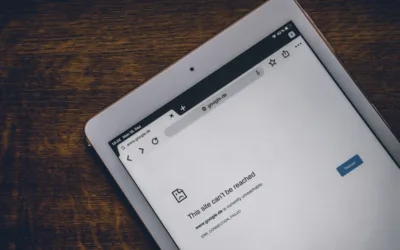
Power cuts and broadband outages can still happen—especially during severe weather.
A modern solution is 4G/5G backup internet, which:
-
Uses mobile networks to stay connected
-
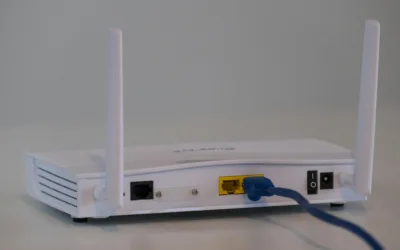
Can be built into business routers or provided as a backup device
-
Keeps staff online even if fixed broadband fails
This is the updated version of the old “dongle” approach, but far more reliable and business-ready.
5. Power Considerations
Laptops provide a temporary solution during outages, but:
-
No power = no WiFi router
-
No internet = no access to cloud systems
For critical roles, businesses may consider:
-
Mobile hotspots
-
Backup power solutions (UPS) for key devices
Why Planning Matters
The difference between disruption and continuity comes down to preparation.
If your systems are set up correctly:
-
Staff can switch to home working instantly
-
Clients won’t notice any disruption
-
Productivity continues as normal
If not? You risk downtime, delays, and frustration.
Bottom Line
Bad weather is unavoidable, but business disruption doesn’t have to be.
With cloud systems, secure remote access, and backup connectivity in place, your team can keep working no matter what’s happening outside.

0 Comments