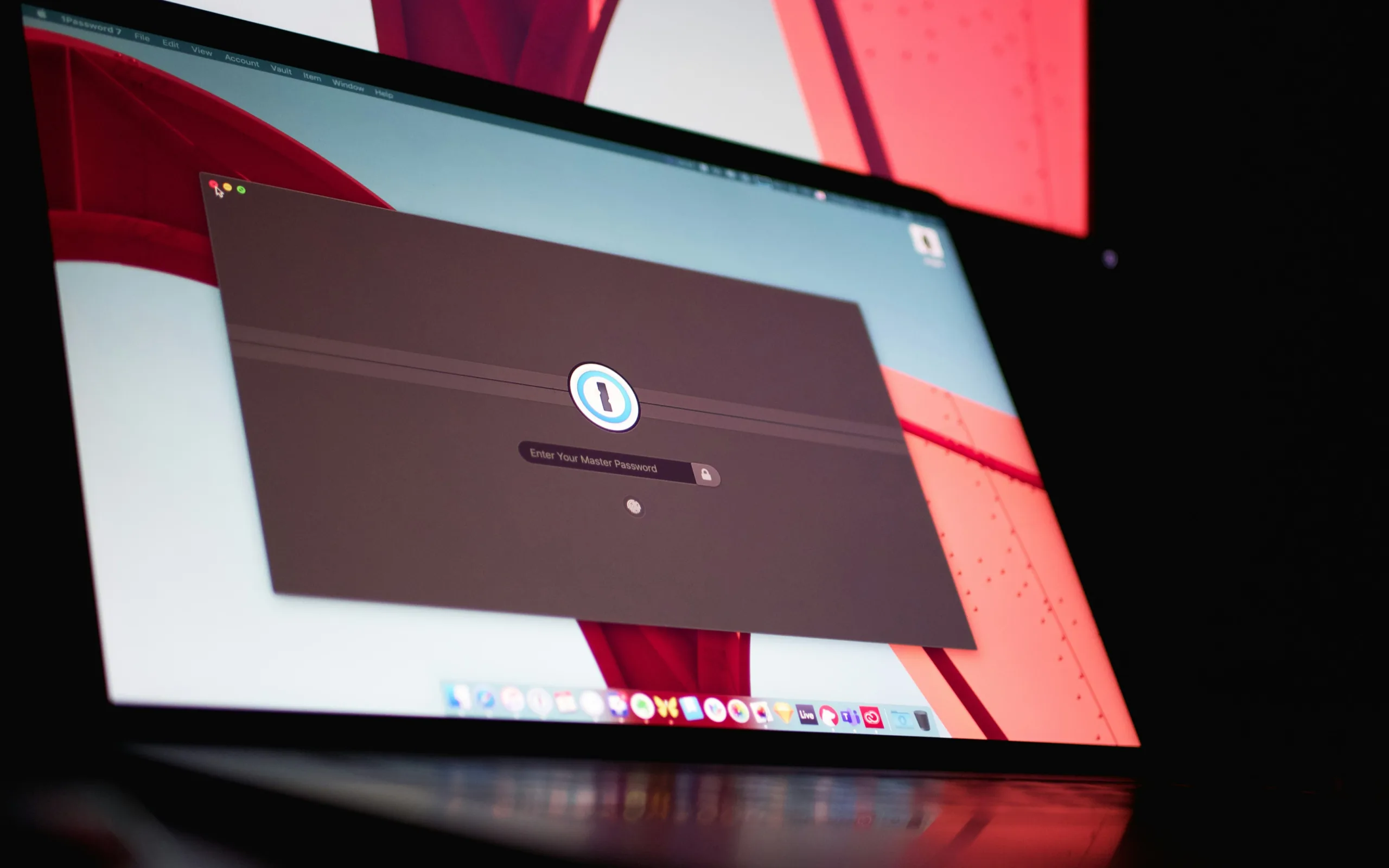

At one point, managing passwords was simple. One or two login credentials, a PIN here or there, and you were done. Fast-forward to 2026, and the average person has dozens (sometimes hundreds) of passwords, PINs, and “secret words” to remember. Between banking apps, work accounts, shopping sites, streaming services, and social media, remembering them all can feel impossible.
The Old Approach: Three Levels of Passwords
In the past, security experts suggested a three-tier system:
- Basic passwords – for social media or community sites, often simple and memorable.
- Medium-strength passwords – for sites containing personal information, using numbers and letters.
- Strong passwords – for banking or sensitive accounts, requiring a random combination of letters, numbers, and symbols.
This approach worked when you only had a handful of accounts. But as online life expanded, passwords became increasingly complex: some sites demanded case sensitivity, others rejected certain symbols, and suddenly remembering even ten passwords became a challenge.
The Problem With Manual Storage
People tried creative solutions, “little black books,” spreadsheets, or notes stored on their phones. While convenient, these methods were highly insecure. Losing a phone or notebook could mean having to change dozens of passwords immediately, and worse, could leave accounts vulnerable if the information fell into the wrong hands.
Enter Password Managers
Password managers are now the standard way to safely store and manage credentials. A single app can generate, store, and autofill passwords for every account securely. Leading password managers in 2026 include:
-
LastPass
-
1Password
-
Keeper
-
Dashlane
-
Bitwarden (open-source and highly secure)
These tools offer several advantages:
-
Encrypted storage – all passwords are stored securely and can’t be accessed without proper authentication.
-
Password generation – random, strong passwords that meet the latest security standards.
-
Device sync – access passwords across computers, smartphones, and tablets.
-
Two-factor authentication integration – adds an extra layer of security to protect against breaches.
Debunking the “All-in-One Risk” Myth
Some people worry that if a password manager is cracked, a hacker has access to everything. While theoretically possible, reputable password managers have multi-layer encryption and security measures that make unauthorized access extremely difficult. This is far safer than reusing the same password across multiple accounts, which remains one of the most common causes of security breaches.
Essential Password Security Tips for 2026
Even with a password manager, there are critical habits every user should follow:
- Lock your devices – always require a passcode, fingerprint, or face ID on phones, tablets, and laptops. Modern iPhones and Android devices support biometric authentication for added security.
- Enable two-factor authentication (2FA) – whenever a new device or location attempts to log in, a code is sent to your phone or email. This simple step can stop most hacking attempts.
- Use unique passwords – never reuse a password across multiple sites. Once one account is compromised, all accounts with the same password are at risk.
- Update regularly – change passwords for high-risk accounts periodically, especially if you hear about a data breach affecting a service you use.
- Check for security breaches – websites like Have I Been Pwned can alert you if your credentials have been compromised.
Password Management in a Business Environment
For businesses, password management is not just about convenience, it’s about compliance and security. Employees using weak or repeated passwords create vulnerabilities that can be exploited by hackers, ransomware, and phishing campaigns. Corporate password managers like 1Password Business, Keeper for Business, or Dashlane Enterprise allow IT teams to:
-
Enforce password policies
-
Manage shared credentials securely
-
Audit password strength and usage
-
Integrate with single sign-on (SSO) systems
By adopting a robust password strategy, businesses can reduce risk, protect sensitive information, and ensure employees don’t fall into the trap of using unsafe password practices.
The Takeaway
In 2026, managing passwords without a password manager is impractical—and risky. From personal accounts to corporate systems, strong, unique, and regularly updated passwords are essential. Using a trusted password manager, enabling two-factor authentication, and practicing good digital hygiene can protect both individuals and businesses from the growing number of cyber threats.
Your online security starts with one strong, well-managed password system—and today, that system is a password manager.
0 Comments