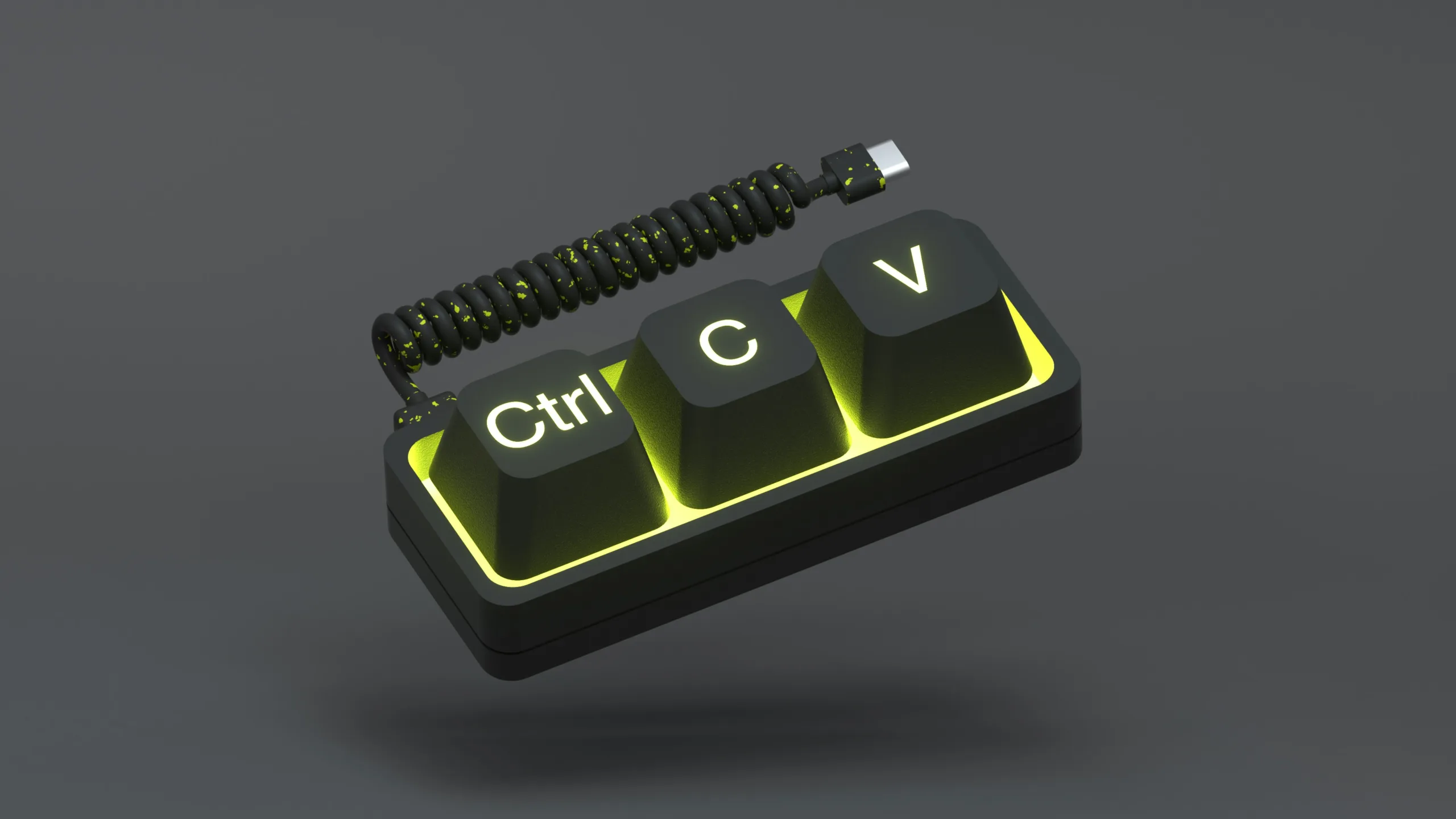

If you spend your day clicking around your screen, you’re wasting time, and possibly causing wrist strain.
Using keyboard shortcuts is one of the easiest ways to speed up everyday tasks in Windows and Microsoft 365. Once you get into the habit, you’ll wonder why you ever relied on your mouse so much.
Common Windows shortcuts
-
Ctrl + C = Copy
-
Ctrl + X = Cut
-
Ctrl + V = Paste
-
Ctrl + Z = Undo
-
Ctrl + A = Select all
-
Ctrl + S = Save
-
Ctrl + P = Print
Browser shortcuts (Chrome / Edge)
-
Ctrl + T = New tab
-
Ctrl + W = Close tab
-
Ctrl + Shift + T = Reopen last closed tab
-
Alt + D = Highlight the URL bar
Microsoft Teams shortcuts
-
Ctrl + Shift + M = Mute/unmute
-
Ctrl + Shift + O = Toggle camera
-
Ctrl + Shift + K = Start a call
-
Ctrl + 1 / Ctrl + 2 = Switch between Activity, Chat, Teams, etc
Outlook shortcuts
- Ctrl + R = Reply
-
Ctrl + Shift + R = Reply all
-
Ctrl + Enter = Send email
-
Ctrl + Shift + M = New message
If you’re looking to work smarter, not harder, keyboard shortcuts are one of the easiest changes you can make.
Not only will you save time, but you’ll also reduce strain on your hands and wrists, especially if you’re spending long days at your desk.


0 Comments