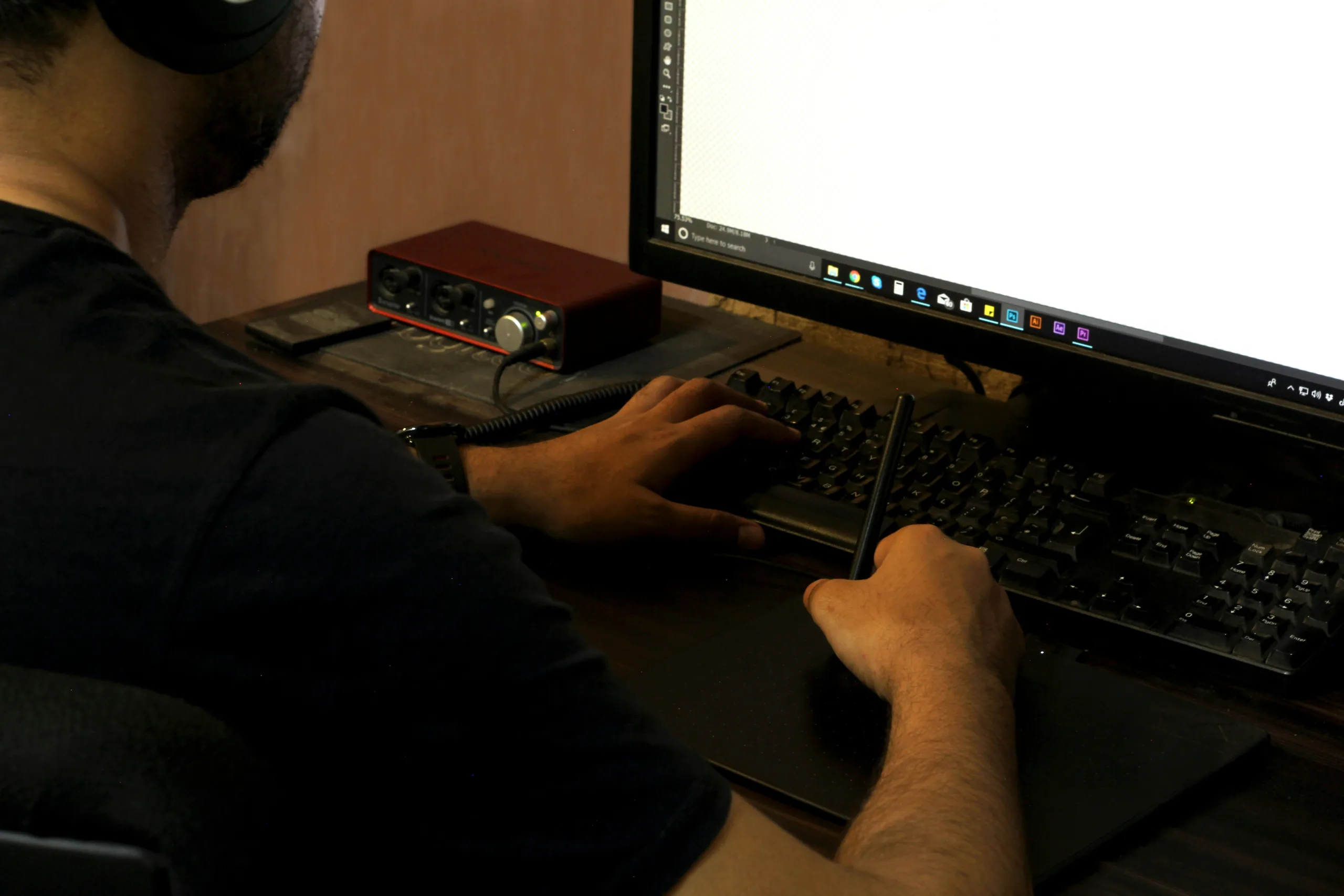

If you own a car, you know it needs servicing from time to time. But you can keep it running smoothly by checking the oil, water and tyres. Your computer is no different, you can keep it in good shape with a few simple habits.
1. Restart regularly
If you leave your computer on all the time, it can build up “stray” processes that slow it down. You don’t need to shut down every day, but a regular reboot helps clear memory and improves performance.
2. Remove unused programs
If you’ve downloaded software you no longer use, uninstall it. Extra programs can:
-
slow startup time
-
run in the background
-
use valuable system resources
In Windows 10/11, go to Settings → Apps → Installed apps and remove anything you don’t need.
3. Check your startup apps
Some programs automatically start when your computer boots, even if you don’t use them. This can slow everything down. To check, open Task Manager → Startup and disable anything unnecessary.
4. Turn off the screen if it runs overnight
If your device needs to stay on for backups or updates, switch off the display. It saves energy and reduces wear on the screen.
5. Use only one antivirus
Running more than one antivirus program can cause conflicts and slow your PC. Make sure you have only one active security app.
Common myths
Myth 1: You must defrag your PC regularly
Reality: Modern Windows does this automatically.
Myth 2: Clearing temporary files will free loads of space
Reality: Windows manages this automatically in most cases.
Need more help?
If you want someone to handle the “mechanic” level maintenance, you can always call Via Wire. We help businesses keep their systems running smoothly, without the stress.


0 Comments