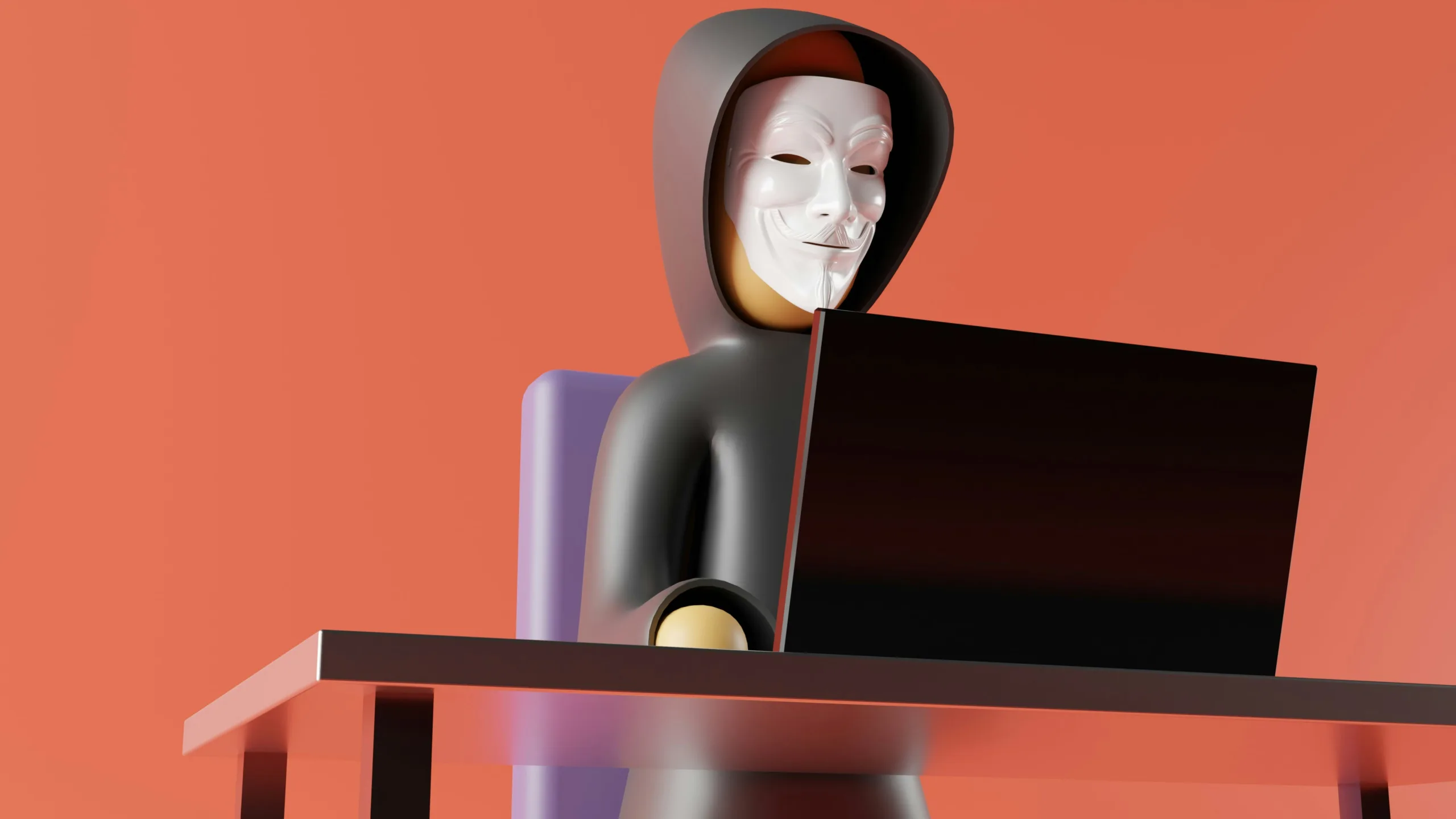

Phishing is when a cyber criminal pretends to be a trusted organisation to trick you into giving up login details, personal information, or money.
The goal is usually to:
-
steal passwords
-
access your accounts
-
send spam from your profile
-
steal money or sensitive data
How phishing usually happens
Most phishing attempts come through:
-
Email (most common)
-
SMS (smishing)
-
WhatsApp or Teams messages
-
Fake websites that look real
-
Phone calls (vishing)
How to spot a phishing message
If a message is out of character, don’t click the link, even if it looks like it’s from someone you know.
Look out for:
-
Unexpected messages (“Have you seen this?”)
-
Urgent or threatening language (“Your account will be closed”)
-
Spelling or grammar mistakes
-
Fake sender email addresses
-
Links that don’t match the website
-
Requests for login details
What to do if you click a phishing link
If you realise you’ve clicked a link by mistake:
-
Change your password immediately
-
Enable MFA if you haven’t already
-
Check for unusual activity
-
Report it to your IT team or provider
How to prevent phishing
The best protection is a combination of:
-
Multi-factor authentication (MFA)
-
Security awareness training
-
Email filtering and spam protection
-
Regular password updates
0 Comments